> For the complete documentation index, see [llms.txt](https://docs.aqua.network/llms.txt). Markdown versions of documentation pages are available by appending `.md` to page URLs; this page is available as [Markdown](https://docs.aqua.network/user-guides/pools/deposit-and-withdraw-liquidity.md).
# Deposit & withdraw liquidity
How to deposit liquidity into an Aquarius pool, withdraw it, and claim rewards from the My Liquidity view.
Aquarius allows you to **provide liquidity** to markets available in the **Pools** section. Follow the steps below to **deposit or withdraw liquidity**.
> **Note:** If you are the first to deposit into an **empty pool**, you must manually set the exchange rate between assets. It’s best to deposit a **small amount** initially and **cross-check market rates** from other sources before confirming the transaction.
#### How to deposit or withdraw liquidity
1. Go to [**aqua.network/pools**](https://aqua.network/pools/) and select the **market** where you want to provide liquidity.
2. Inside the **Pool Overview**, choose **Deposit** or **Withdraw**.
**For Deposits**:
* Enter the **asset amounts** to deposit.
* Review the amounts and select **Deposit**. The **Rewards Boost** value reflects the deposit amounts and your ICE balance; see [ICE boosts](/aqua-and-ice/ice-boosts-how-to-maximize-lp-rewards.md).
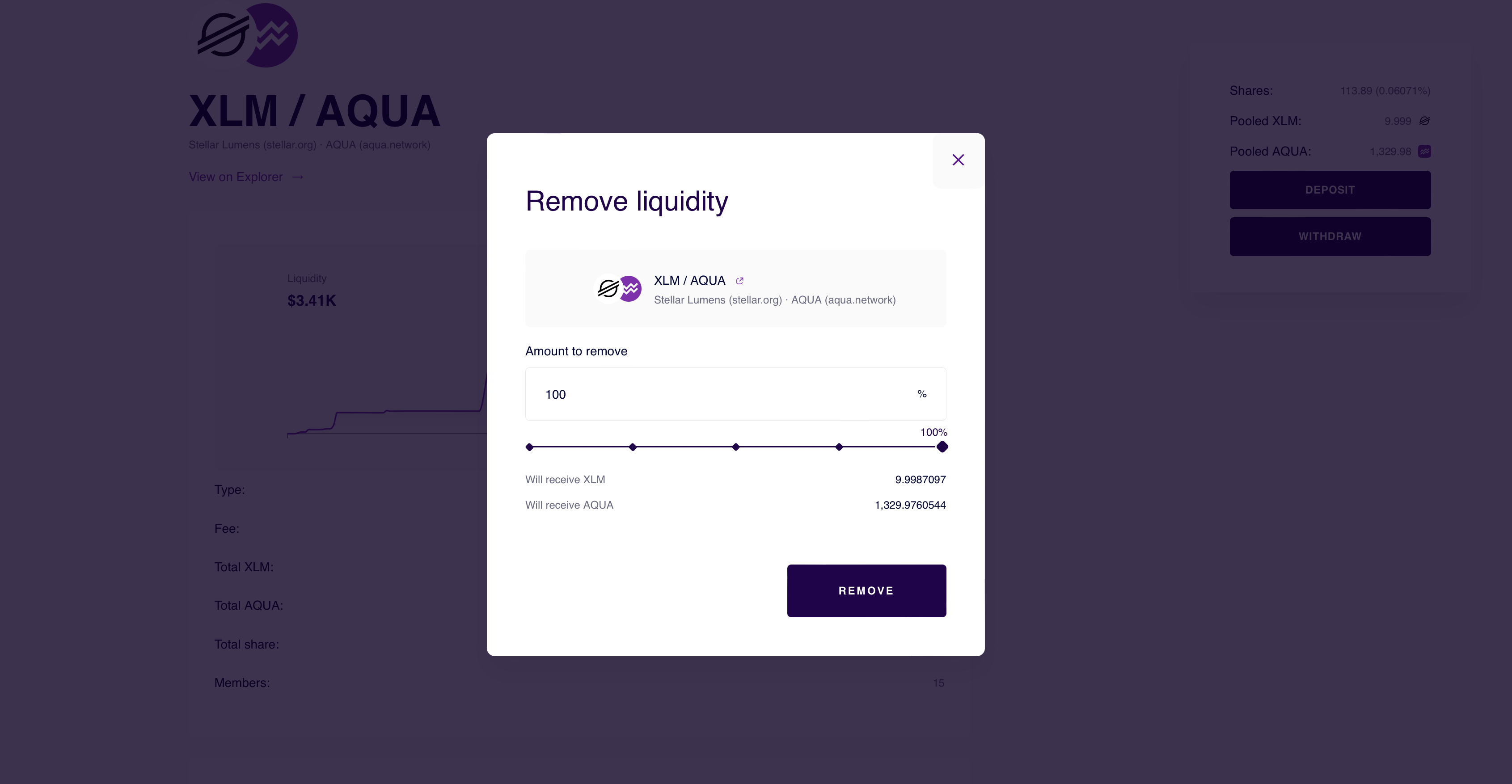
**For Withdrawals**:
* Select the **percentage of pool shares** you want to remove.
* Once confirmed, click **Remove** to withdraw your share from the pool.
#### My liquidity
You can view all your liquidity positions under the **“**[**My Liquidity**](https://aqua.network/pools/?tab=my\&filter=all)**”** tab in the **My Aquarius** section. Here, you can:
* View your Aquarius AMM liquidity positions.
* **Add or remove liquidity** from a position.
* **Claim rewards** for one pool or in bulk. A claim can include AQUA rewards, Pool Incentives, and AMM position fees.
Concentrated liquidity pools have a different deposit logic and have a [dedicated page](/user-guides/pools/manage-concentrated-liquidity-pool-positions.md).