> For the complete documentation index, see [llms.txt](https://docs.aqua.network/llms.txt). Markdown versions of documentation pages are available by appending `.md` to page URLs; this page is available as [Markdown](https://docs.aqua.network/user-guides/pools/creating-a-pool.md).
# Creating a pool
How to create a volatile or stable swap pool in the Aquarius interface, including the 300,000 AQUA deployment cost.
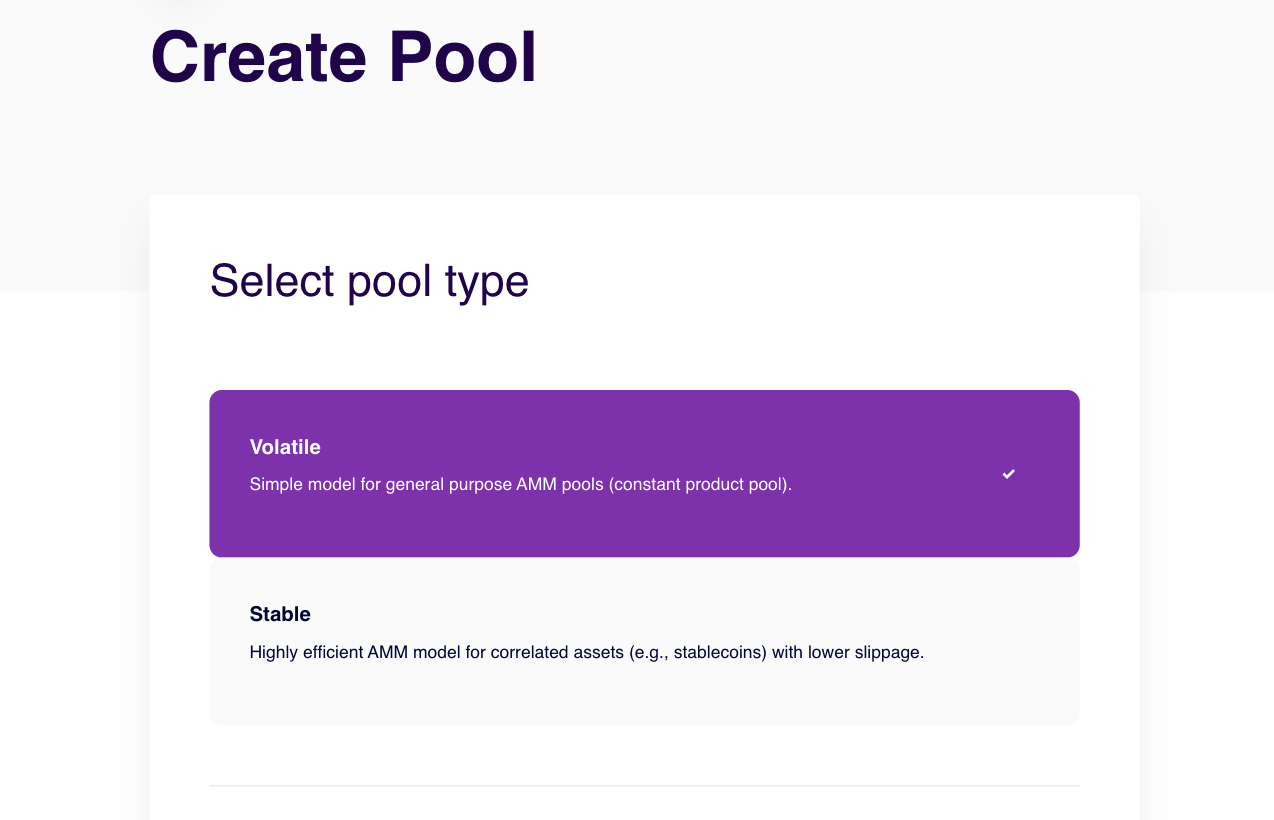
Aquarius AMMs enable anyone to create liquidity pools using tokens available on the **Stellar blockchain** or **Soroban smart contract layer**. Three types of pools can be created: **Volatile**, **Stable Swap**, and **Concentrated**.
> **Pool Creation Cost:** 300,000 AQUA
### Pool types
Pool types, their price formulas, fee tiers, and trade-offs are covered in [How Aquarius AMMs Work](/amm-and-pools/what-are-aquarius-amms.md). In short: volatile pools suit regular asset pairs; stable pools suit assets pegged 1:1 (choosing stable for a volatile pair can lead to loss of deposited funds); concentrated pools are for active liquidity providers working within a chosen price range.
### How to create a pool
Follow these steps to create a liquidity pool on Aquarius:
1. **Select the pool type** (**Volatile**, **Stable Swap**, or **Concentrated**).
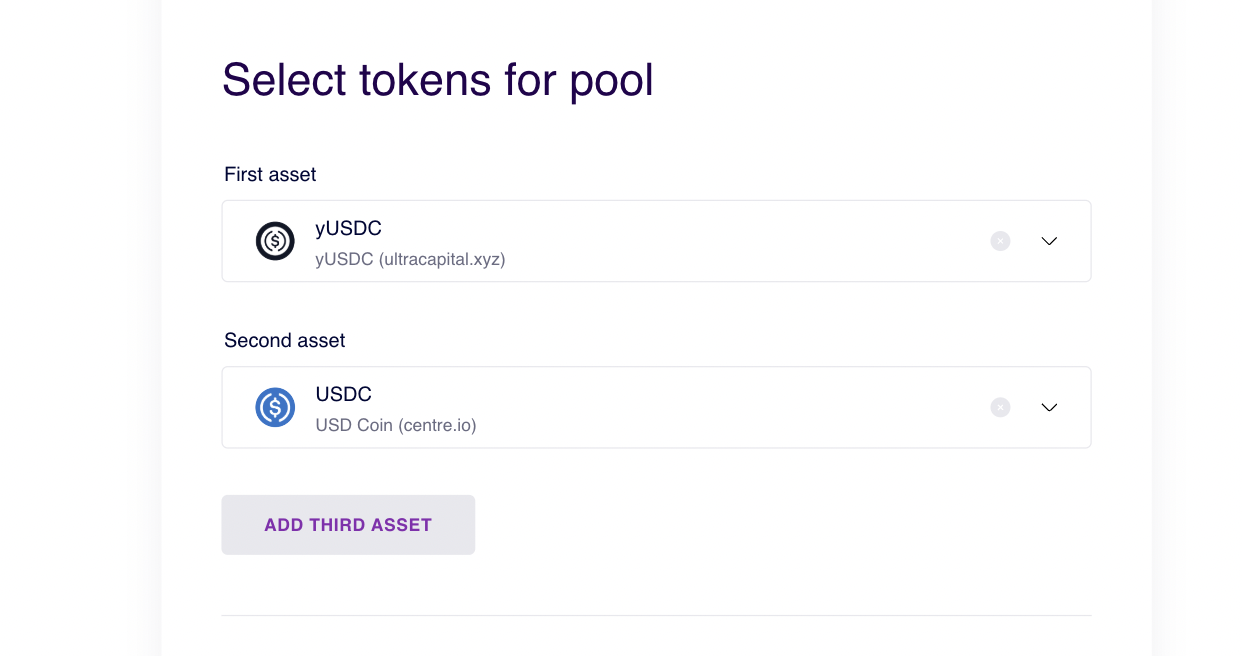
2. **Choose the assets** to include in the pool:
* **Volatile pools**: Up to **two assets**
* **Stable Swap pools**: Up to **three assets** (**four in a future update**)
* **Concentrated pools**: Exactly **two assets**. Set the initial price and range — see [Managing Concentrated Positions](/user-guides/pools/manage-concentrated-liquidity-pool-positions.md).
3. **Set the trading fee** users will pay when swapping assets.
4. **Acknowledge the 300,000 AQUA fee** required to deploy the pool.
5. Click **Create Pool** to confirm the transaction and launch your pool.