> For the complete documentation index, see [llms.txt](https://docs.aqua.network/llms.txt). Markdown versions of documentation pages are available by appending `.md` to page URLs; this page is available as [Markdown](https://docs.aqua.network/user-guides/how-to-use-aquarius-governance/how-to-make-a-governance-vote.md).
# Making a governance vote
How to vote for, against, or abstain on an active governance proposal with governICE.
To access Aquarius Governance, visit [gov.aqua.network](https://gov.aqua.network).
Here you can browse all past and present proposals. To participate, sign in with any of the supported Stellar wallets — the LOBSTR wallet and extension, Freighter, Ledger, or WalletConnect-compatible wallets.
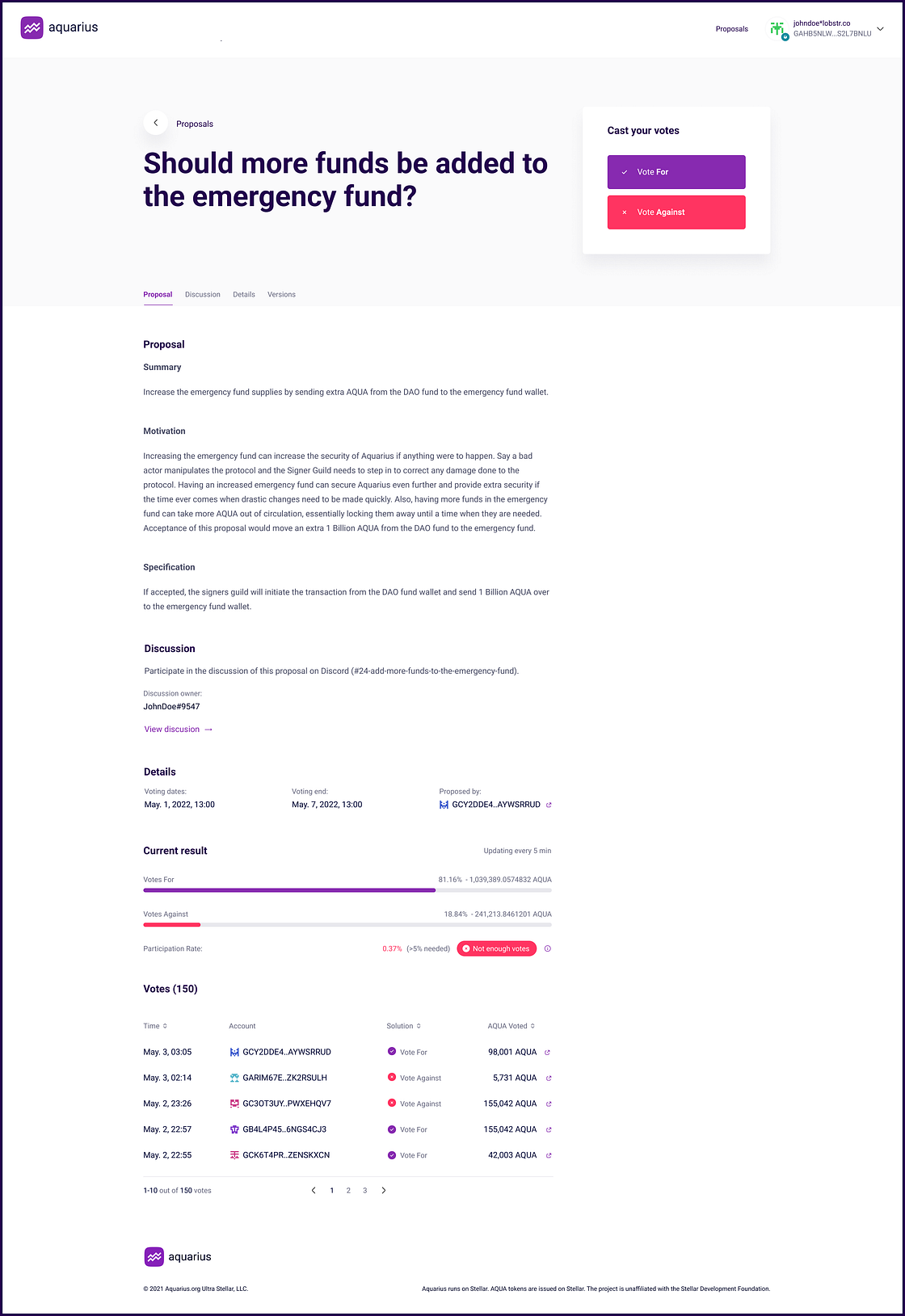
### How to vote
Once signed in, open an active proposal and select **For**, **Against**, or **Abstain**. All three choices count toward quorum. The proposal outcome compares **For** and **Against** votes; **Abstain** does not increase either total.
Voting uses governICE received by [locking AQUA into ICE](/aqua-and-ice/ice-tokens-locking-aqua-and-getting-benefits.md). The governICE is held in a claimable balance for the duration of the vote and can be reclaimed after the proposal concludes.