> For the complete documentation index, see [llms.txt](https://docs.aqua.network/llms.txt). Markdown versions of documentation pages are available by appending `.md` to page URLs; this page is available as [Markdown](https://docs.aqua.network/user-guides/how-to-use-aquarius-governance/how-to-create-a-proposal.md).
# Creating a proposal
How to create, discuss, and publish a governance proposal in the Aquarius interface.
Anyone can create a proposal. The creator of a general proposal receives **1,500,000 AQUA** only if the proposal reaches quorum and finishes with more **For** than **Against** votes. Asset Registry proposals do not receive this creator reward.
**1. Start the discussion**
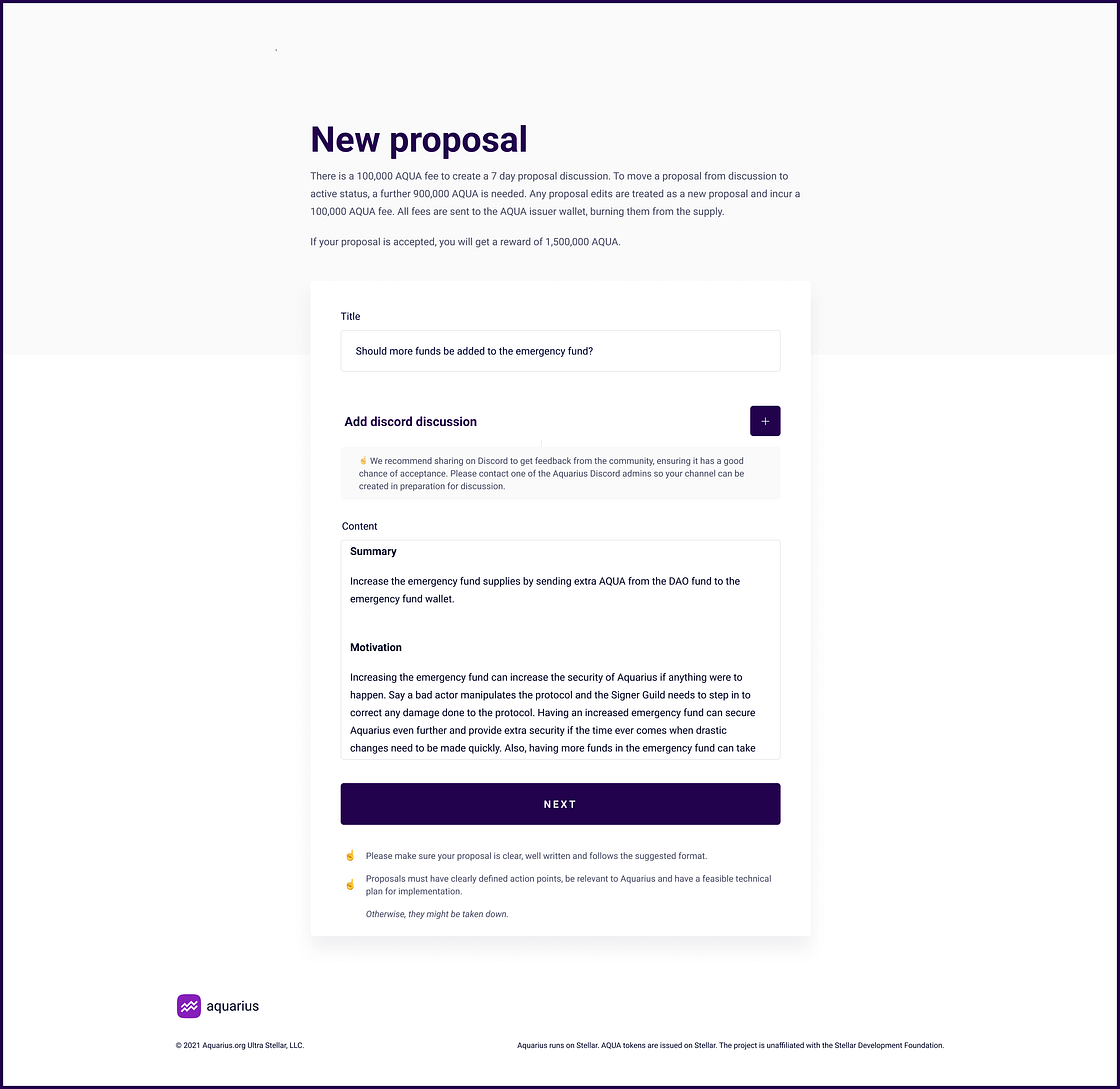
* Click the **Create Discussion +** button on the home page.
* Choose a clear, descriptive title.
* Explain the requested change, its expected effect, and a feasible implementation plan.
**2. Engage with the community on Discord**
* The proposal process includes an option to add a Discord discussion.
* You can ask an Aquarius Discord admin to create a channel before submitting the proposal.
* Once set up, add the channel URL, the discussion channel name, and your Discord nickname to the proposal.
**3. Preview and submit**
* Click **Next** to preview your proposal.
* Once ready, submit it to the discussion phase (see [fees and rewards](/user-guides/how-to-use-aquarius-governance.md#fees-and-rewards)).
### Discussion and editing
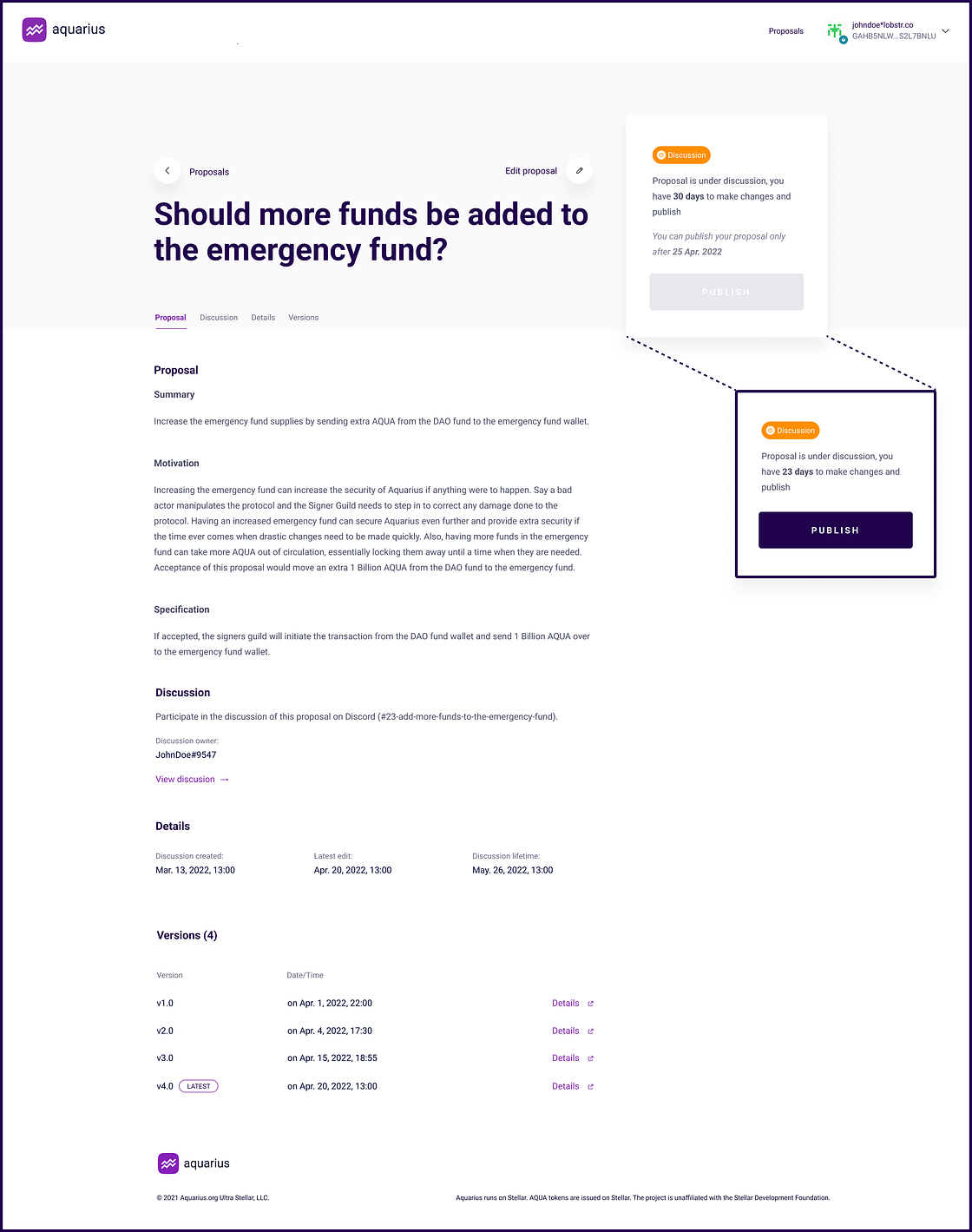
Each proposal enters a mandatory 7-day discussion period for community feedback. Edits are possible during this phase; each edit creates a new version and resets the phase windows — the mechanics and per-edit fees are covered in the [governance overview](/user-guides/how-to-use-aquarius-governance.md).
### Publishing and voting
Publication requires the final fee (see [fees and rewards](/user-guides/how-to-use-aquarius-governance.md#fees-and-rewards)) and books a [voting slot](/user-guides/how-to-use-aquarius-governance.md#proposal-queue-and-voting-slots): choose a free week from the next calendar week up to 6 weeks ahead. The proposal votes for that full week, Monday 00:00:00 UTC to Sunday 23:59:59 UTC.
Creators editing & publishing screen
### Implementation
A passing general proposal records the governance decision but does not execute code automatically. Implementation can require separate development and treasury actions. Asset Registry proposals follow the listing or delisting process described in the [Asset Registry](/governance/asset-registry.md).